Chrome vertical tabs
with spaces.
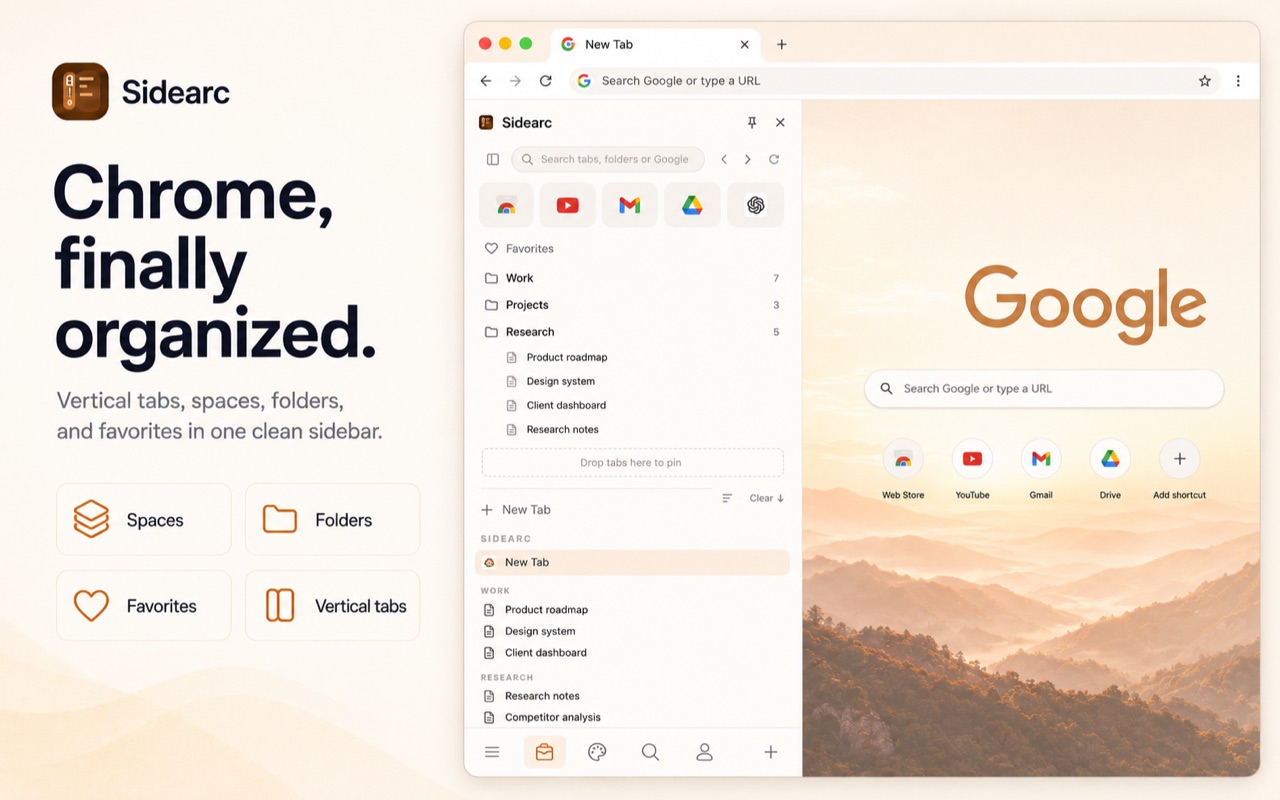
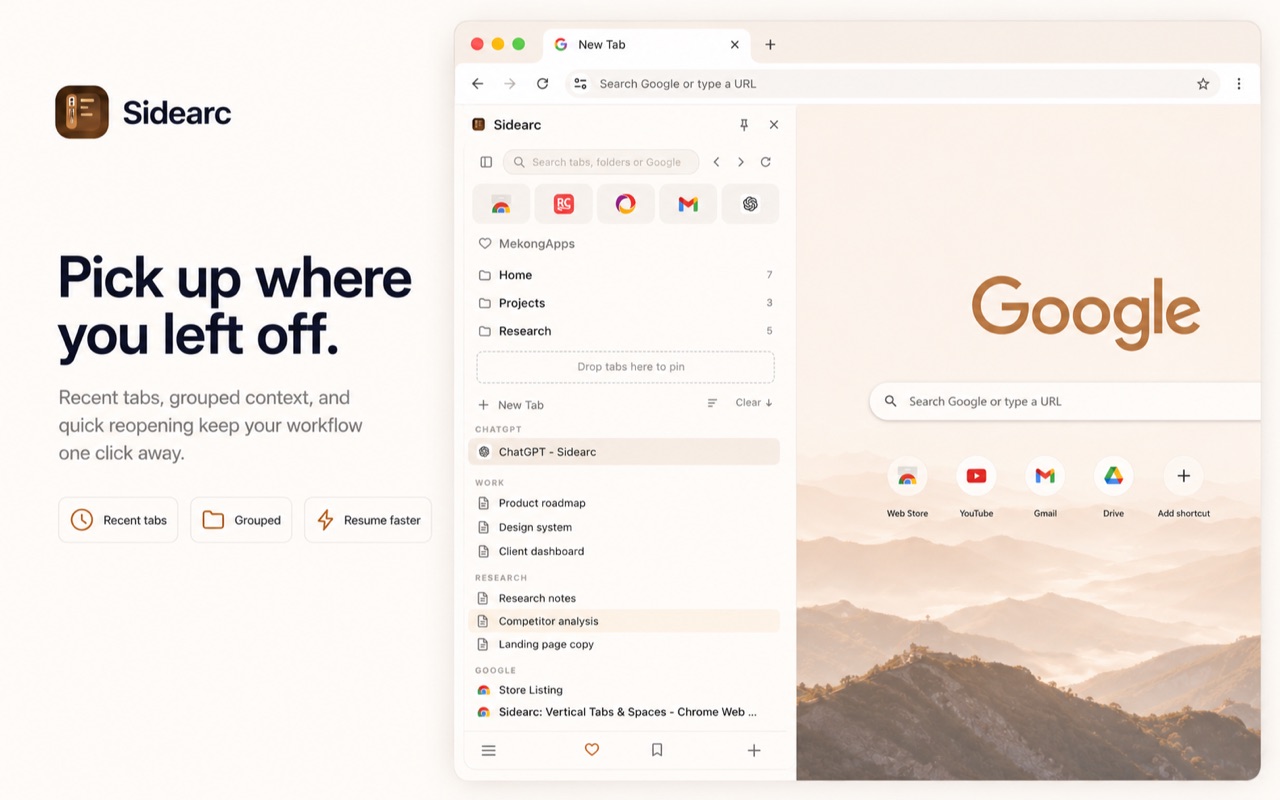
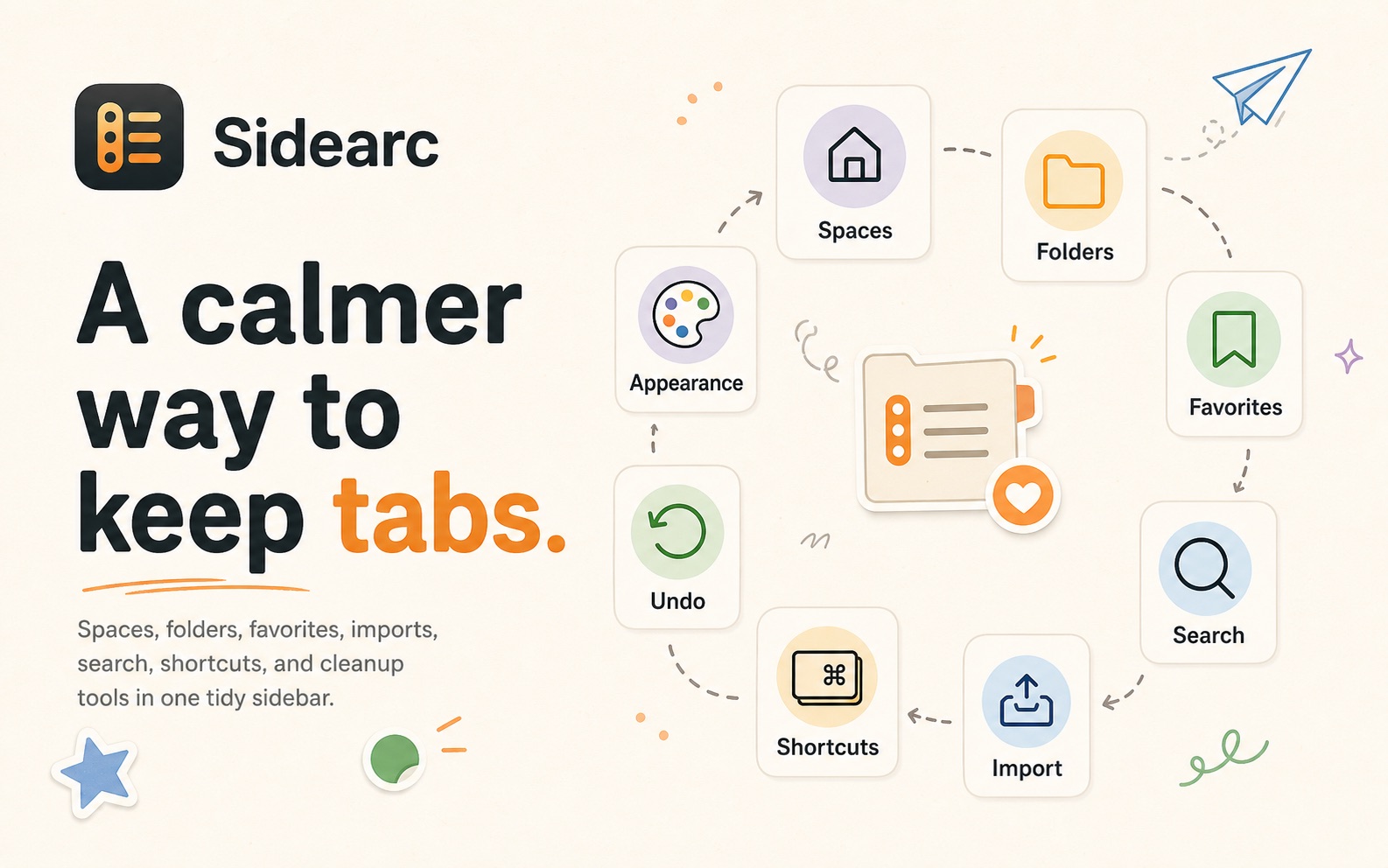
SideArc is a Chrome tab manager that puts vertical tabs in the side panel. Spaces, folders, pins, search, and drag-and-drop keep busy Chrome windows readable.
It is the low-friction Arc alternative for people who want Arc-style spaces without leaving Chrome.
Spaces
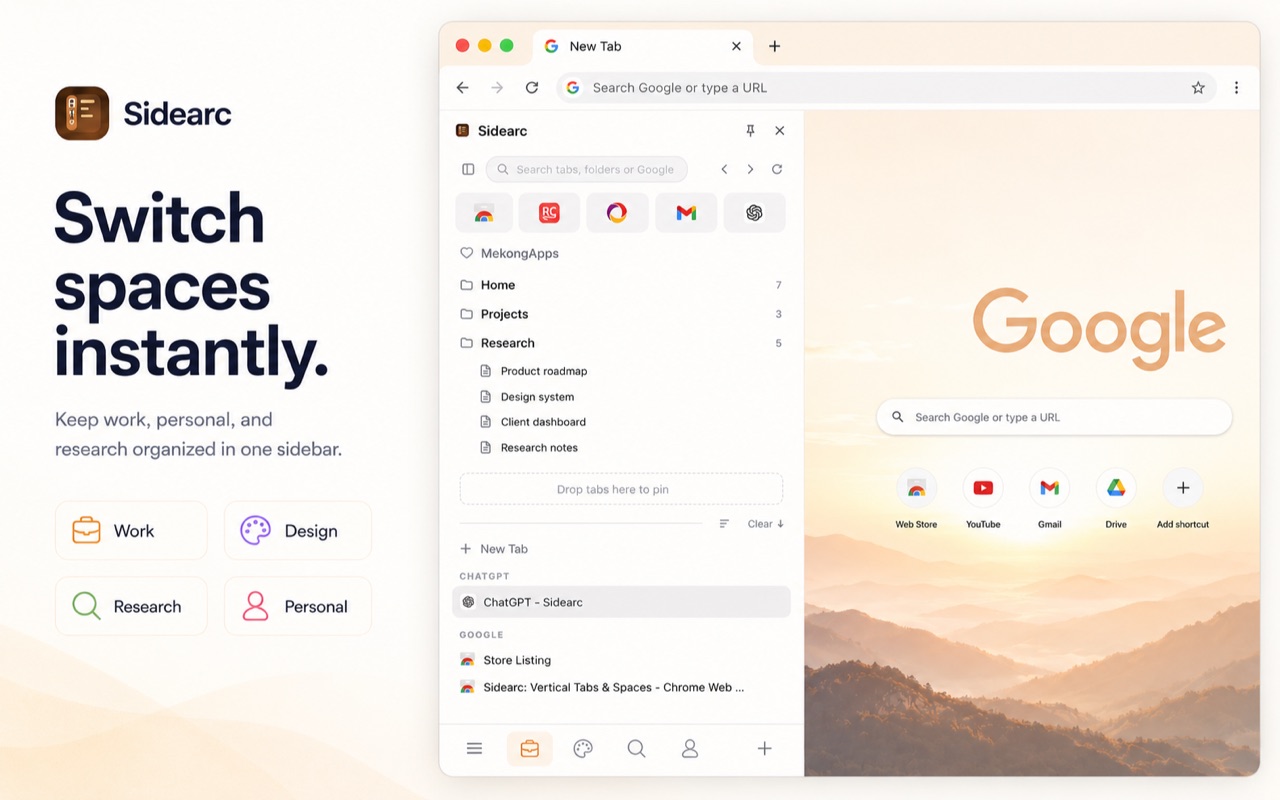
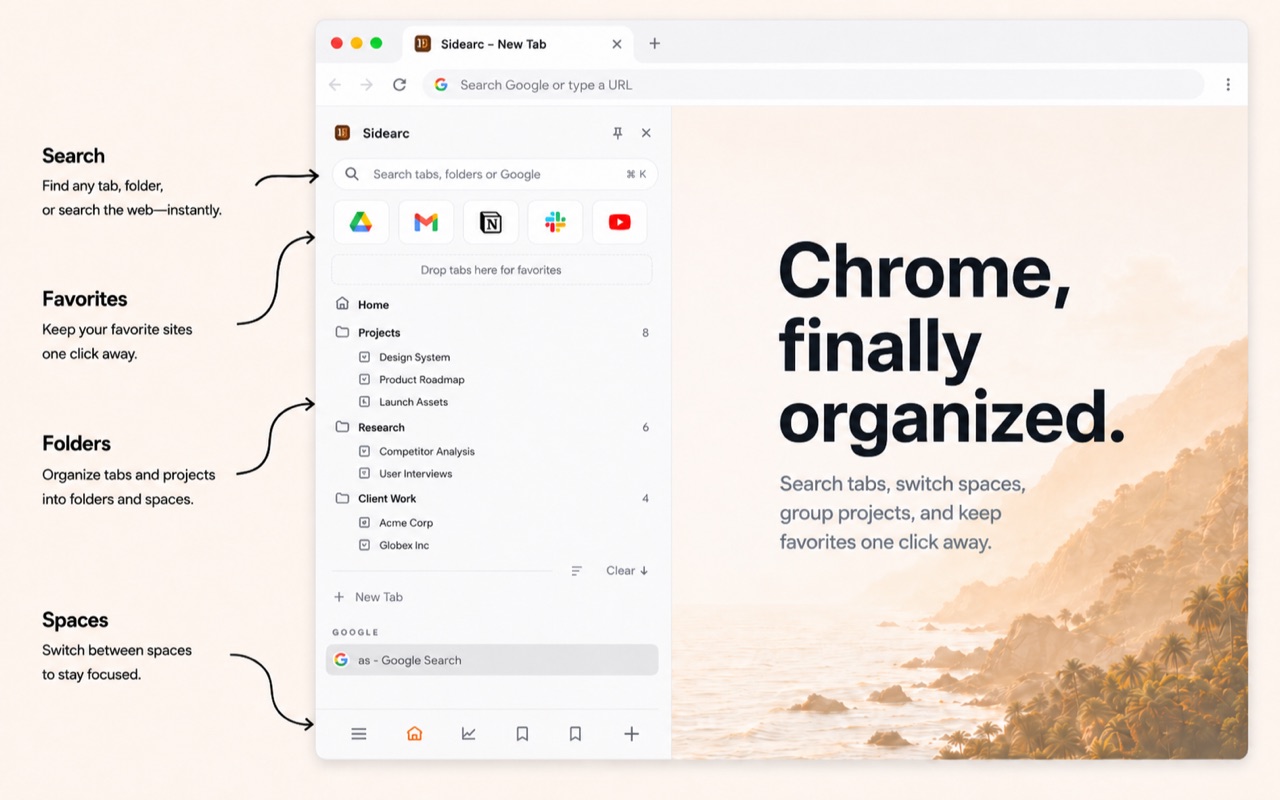
Separate workspaces for each context — work, personal, research. Each space keeps its own tabs, pins, and folders. New tabs join the active space automatically.
Folders & Nested Folders
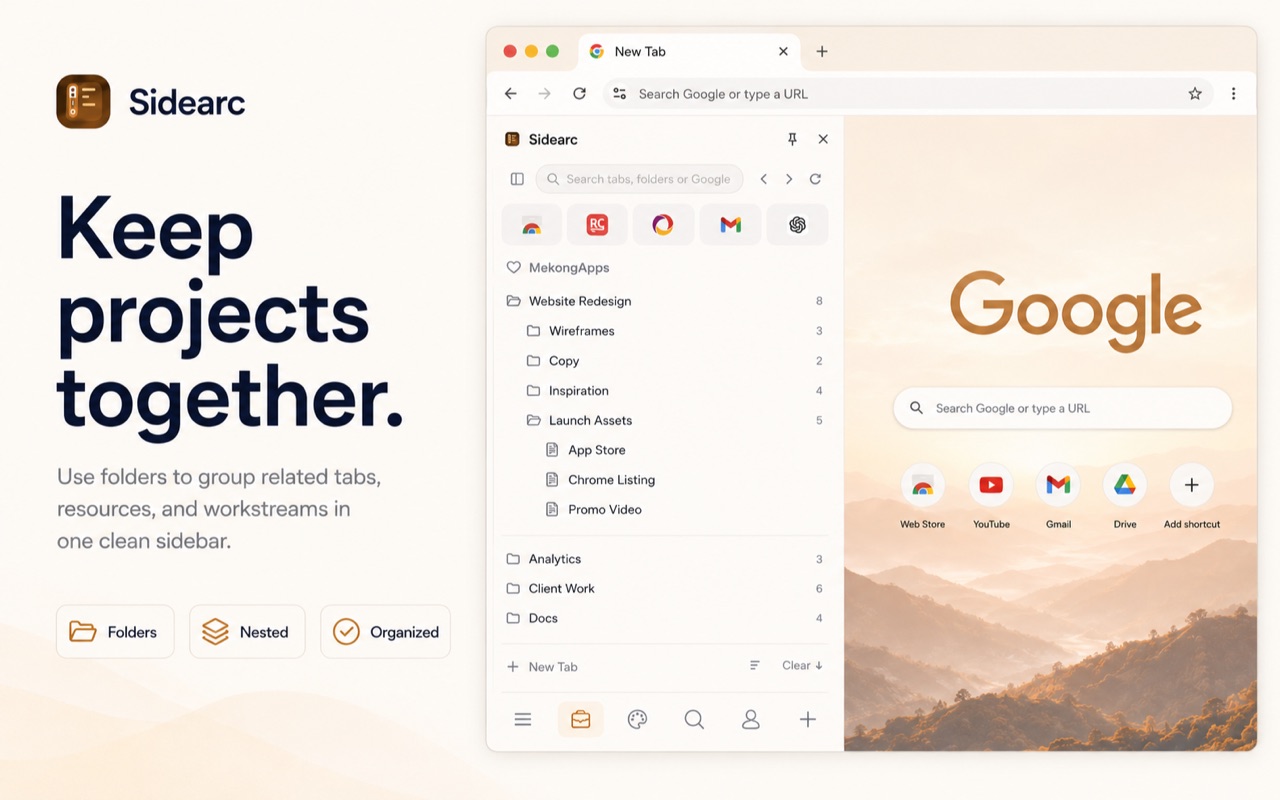
Save pages into folders and subfolders. Build a structure that mirrors how you actually think about your work. Import your existing bookmarks in one click.
Search
Find any open tab or saved page instantly. Or search Google right from the panel without leaving your flow.
Import Setup
Bring over spaces, folders, pinned tabs, and live tabs from your current browser setup, then review everything before you commit.
Tabs Finally Organized
Keep spaces, folders, pinned tabs, and vertical tabs in one clean Chrome side panel instead of scattered across the tab strip.
Chrome vertical tabs
with spaces.
SideArc is a Chrome tab manager that puts vertical tabs in the side panel. Spaces, folders, pins, search, and drag-and-drop keep busy Chrome windows readable.
It is the low-friction Arc alternative for people who want Arc-style spaces without leaving Chrome.
Spaces
Separate workspaces for each context — work, personal, research. Each space keeps its own tabs, pins, and folders.
Folders & Nested Folders
Save pages into folders and subfolders. Build a structure that mirrors how you actually think about your work.
Search
Find any open tab or saved page instantly. Or search Google right from the panel.
Import Setup
Bring over spaces, folders, pinned tabs, and live tabs, then review everything before you commit.
Tabs Finally Organized
Keep spaces, folders, pinned tabs, and vertical tabs in one clean Chrome side panel.
Screenshots
Learn the SideArc workflow
Quick answers and practical setup guides for vertical tabs, spaces, and Chrome tab management.
Vertical tabs for Chrome
A cleaner layout when Chrome's horizontal tab strip gets unreadable.
Tab ManagerChrome tab manager
Manage live tabs across work, research, and personal projects.
Arc IntentArc vs SideArc
Bring Arc-style spaces and vertical tabs into Chrome without switching browsers.
How do I get vertical tabs in Chrome? +
Install SideArc from the Chrome Web Store. It adds vertical tabs in Chrome's side panel with readable tab titles, spaces, folders, and pinned tabs.
What is the best Chrome tab manager for active tabs? +
For live tab organization, look for vertical tabs, project spaces, pinned tools, saved folders, and drag-and-drop. SideArc is built around that workflow.
Is SideArc an Arc alternative for Chrome? +
Yes. SideArc brings Arc-style spaces and vertical tabs to Chrome without requiring a browser switch.
Does SideArc work with Chrome tab groups? +
Yes. SideArc can complement Chrome tab groups while giving you a more readable side-panel layout for daily navigation.