Buyer Guide
Best vertical tabs Chrome extension
Many vertical tab extensions give you a sidebar. Fewer give you a workspace. The best one depends on whether you need simple tab visibility or spaces, folders, and pins on top of your vertical tab list.
Updated March 23, 2026 By MekongApps Editorial Team
Power usersDevelopersResearchers
Selection criteria
A good sidebar is the start. Spaces, folders, and pins are the real test.
What to compare
- Tab readability — do tabs still show full titles with 30+ open?
- Live tab management — does it manage open tabs, not just saved sessions?
- Project separation — can you split work into spaces or contexts?
- Saved structure — are folders and pins supported per workspace?
- Native integration — does it use Chrome's side panel or a separate window?
Simple sidebar vs workspace
Simple sidebar: moves tabs from horizontal to vertical. Good if your only problem is readability.
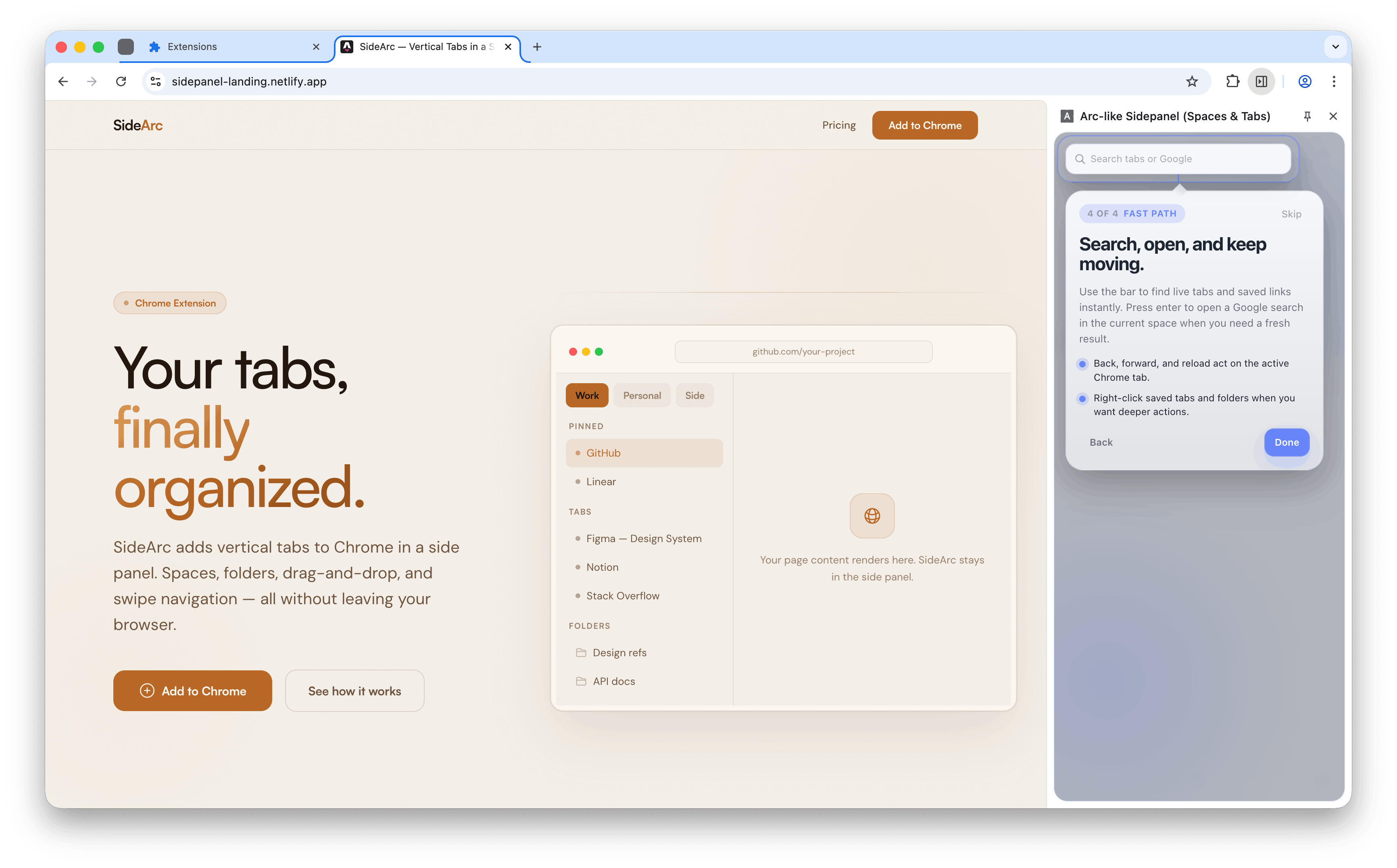
Workspace (SideArc): vertical tabs plus spaces, folders, pins, drag-and-drop, search, and swipe navigation. Built for people who use Chrome as a daily work surface across multiple projects.
What SideArc includes
- Vertical tabs in Chrome's native side panel
- Spaces for separate projects (swipe or click to switch)
- Nested folders for saved links per space
- Pinned tabs and favorites per space
- Drag-and-drop reordering and cross-space moves
- Built-in search (filter tabs or search Google)
- Chrome tab group sync
- Free with 2 spaces, Pro for unlimited (one-time purchase)
Related: Chrome tab manager, Arc browser alternative for Chrome.