Comparison
Arc browser alternative for Chrome
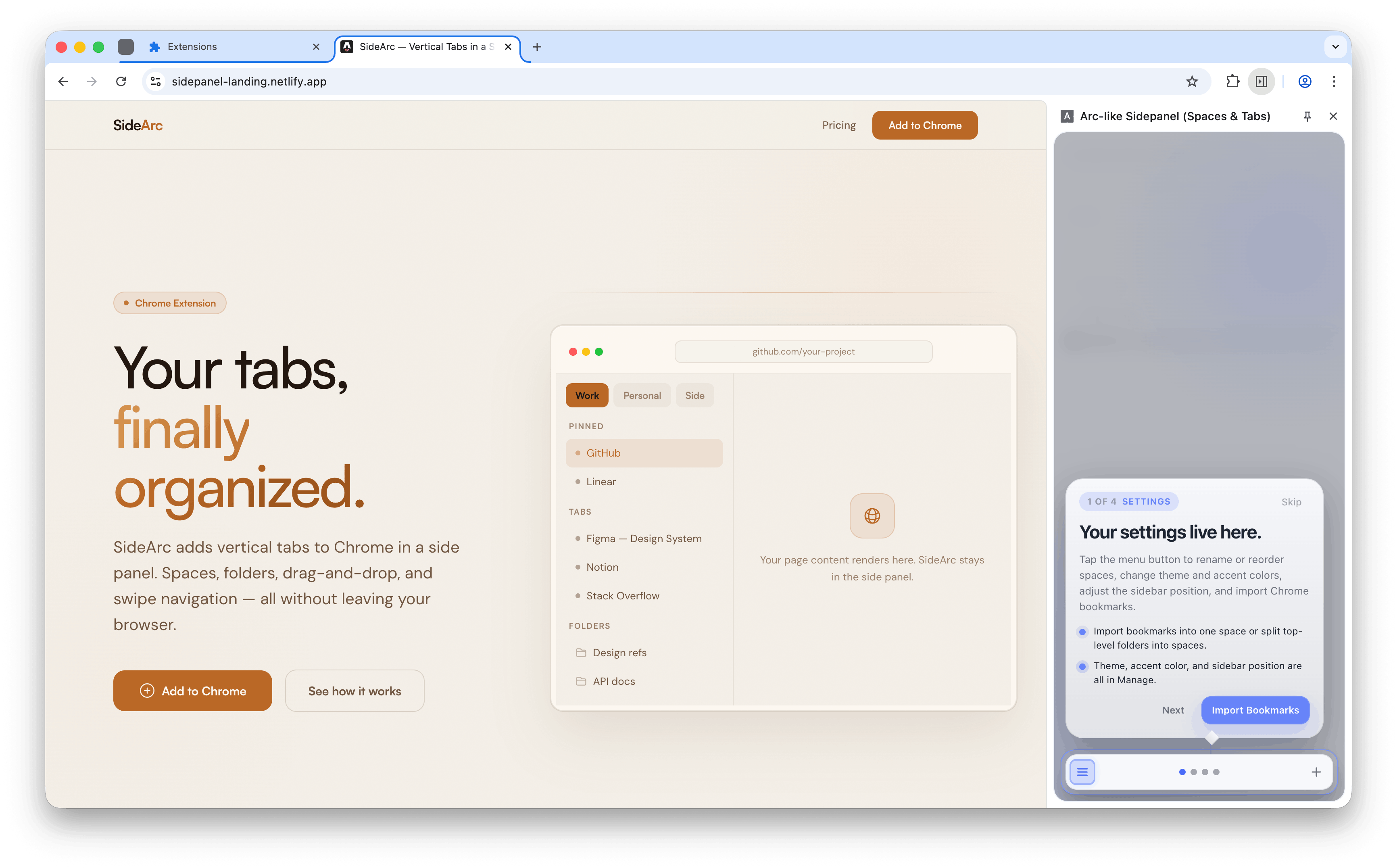
Arc gave you vertical tabs, spaces, and a calmer browser. But Arc requires switching browsers. SideArc adds those same features to Chrome as an extension — vertical tabs in a side panel, spaces for projects, folders for saved links, and pins for core tools.
Updated March 23, 2026 By MekongApps Editorial Team
Arc switchersDevelopersFoundersPower users
Arc-style workflow
Vertical tabs, spaces, and pins — inside Chrome
What Arc users miss in Chrome
- Vertical tabs — full titles instead of tiny favicons
- Spaces — separate contexts for work, personal, and side projects
- Pinned tools — core pages always visible at the top
- Calmer layout — the browser as a workspace, not a cluttered strip
What SideArc gives you in Chrome
- Vertical tabs in a side panel — full titles, drag-and-drop, close buttons
- Spaces — separate contexts with their own tabs, pins, and folders
- Folders — save links into nested folders per space
- Pins — keep core tools at the top of each space
- Chrome tab group sync — spaces can mirror Chrome's native tab groups
- Swipe navigation — swipe horizontally to switch spaces
Why stay in Chrome?
Chrome has the largest extension ecosystem, the best DevTools, and the widest enterprise compatibility. SideArc adds workspace features without giving up Chrome's strengths. Your existing extensions, profiles, and settings all keep working.
Related: Chrome workspace extension, best vertical tabs Chrome extension.