
Reels never get a chance
The Reels tab disappears and inline reels do not load, so a quick check stays quick.
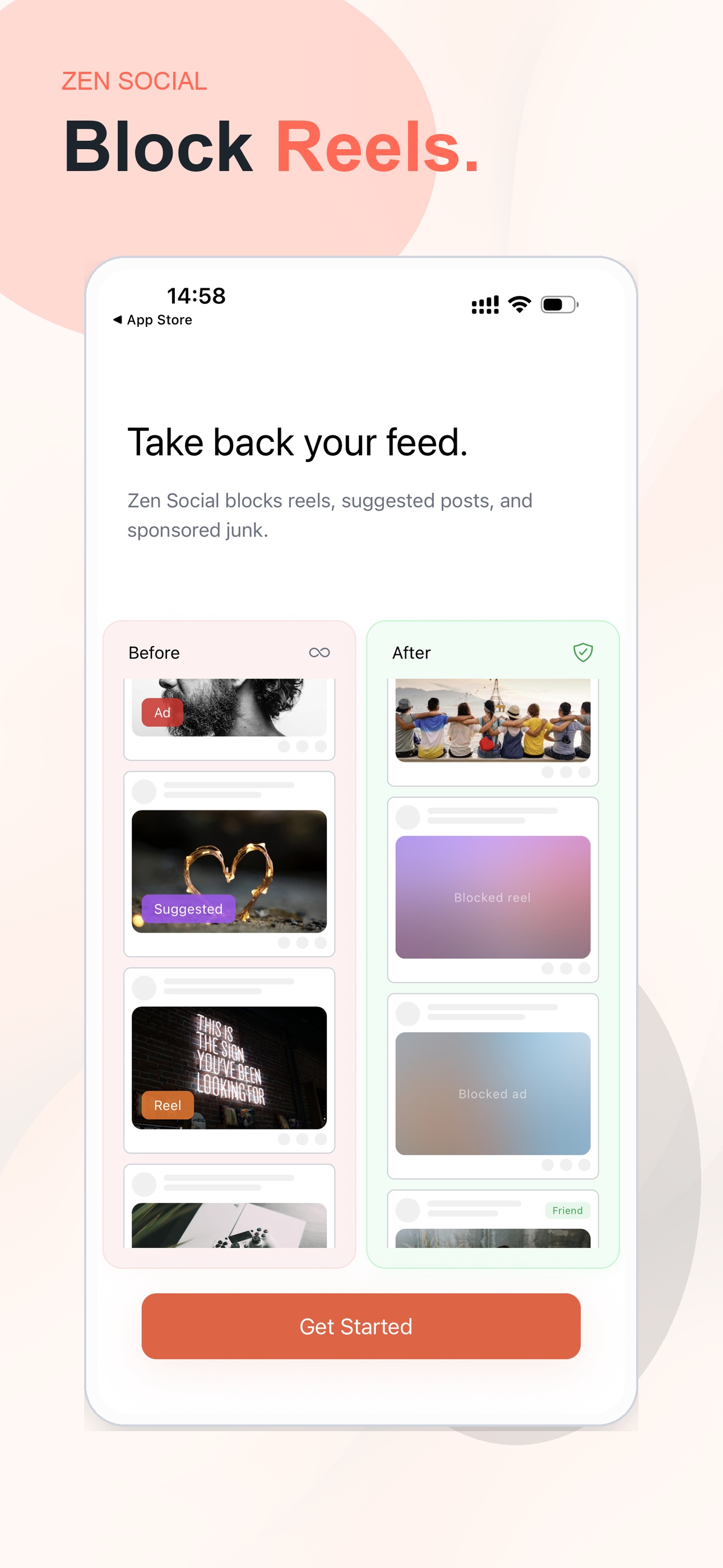
Zen Social opens your real Instagram account with reels, suggested posts, and ads filtered out. Your DMs, stories, and the people you follow stay where they are.
Filtering stays on your phone.
Not affiliated with Instagram or Meta.
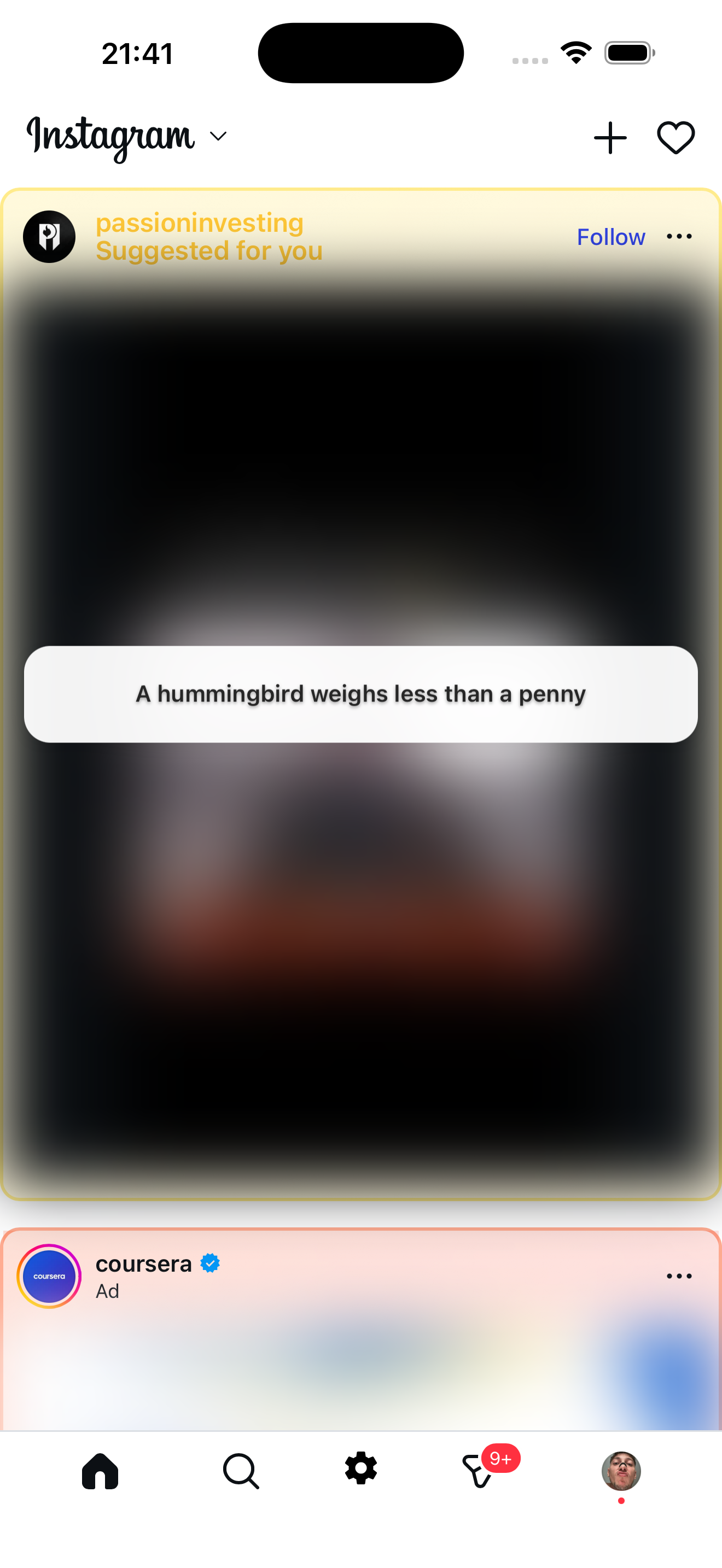
Nothing changes on Instagram’s side. You simply open Zen Social when you want Instagram.
Open the app instead of Instagram when you want to check your feed or messages.
You sign in on Instagram’s own page with the account you already use.
The filters run on your phone before reels, suggestions, and ads reach the screen.
These are real screens from the app, with each filter doing its job.
The Reels tab disappears and inline reels do not load, so a quick check stays quick.
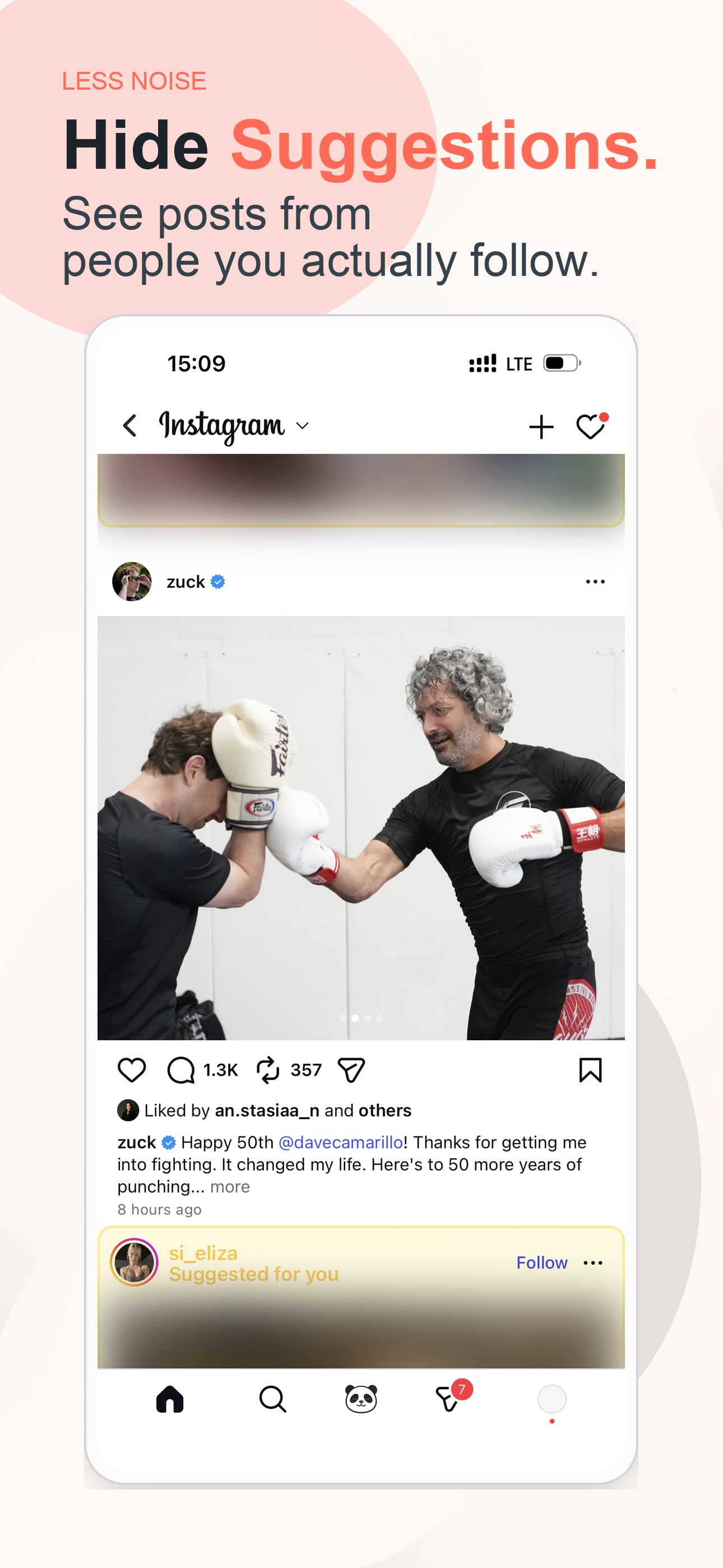
Suggested posts and ads are filtered before they reach your feed. Posts from accounts you follow stay put.
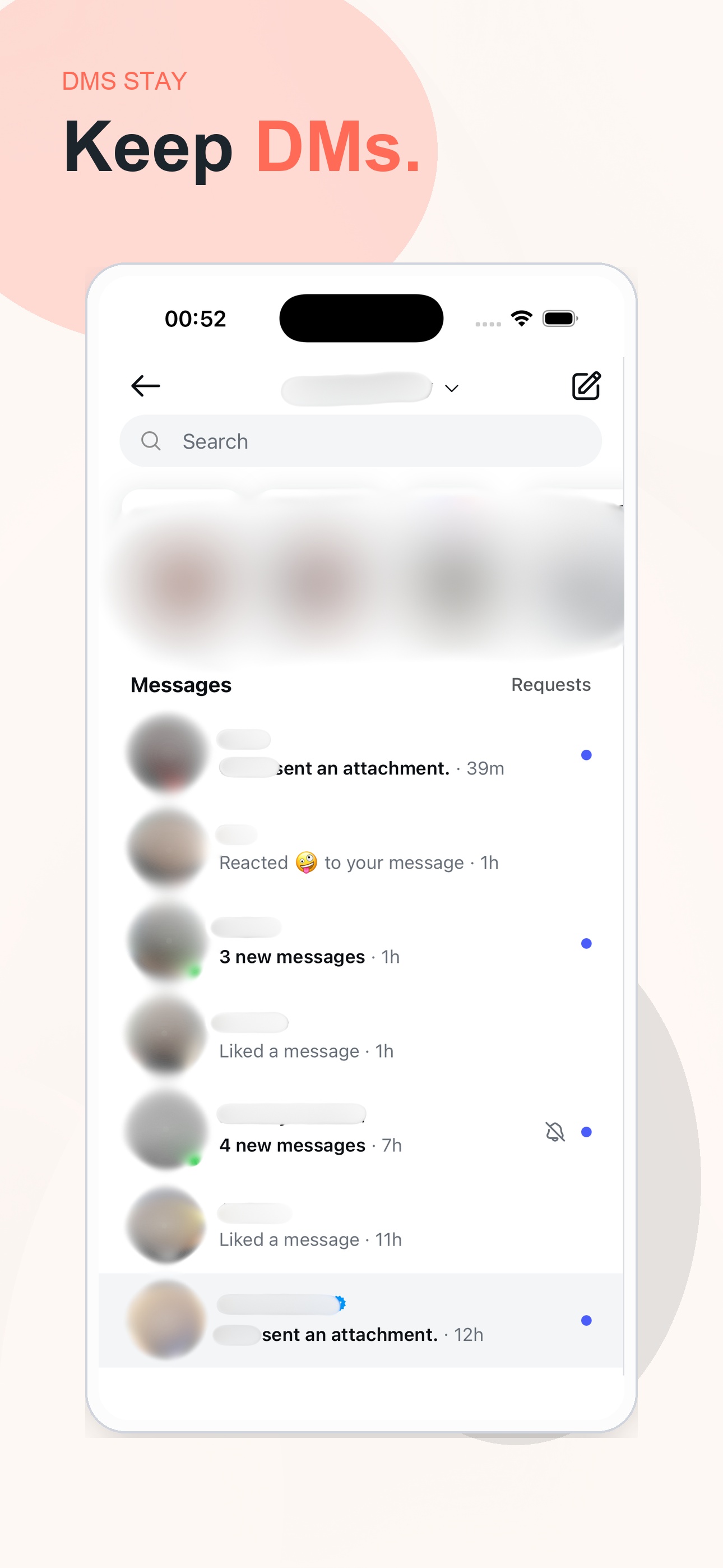
DMs, group chats, stories, and posting work as before. Zen Social removes distractions, not people.
Screen Time interrupts you after the feed has already pulled you in. Zen Social changes what loads in the first place.
Zen Social keeps the messages and people you still care about. It removes the parts built to keep you scrolling.
No. You sign in on Instagram’s own web page, and Zen Social does not collect or store your password.
Filtering happens on your phone as the page renders. Your feed does not make a round trip to another server.
Instagram has no permanent reels-off switch. Zen Social blocks reels before they load.
Blur suggested posts automatically and replace them with facts, quotes, or language tips.
Use Instagram for messages and followed accounts without reels taking over the feed.
Download Zen Social and sign in with the Instagram account you already use.
Download for iOS