Guide
Chrome tab groups vs vertical tabs
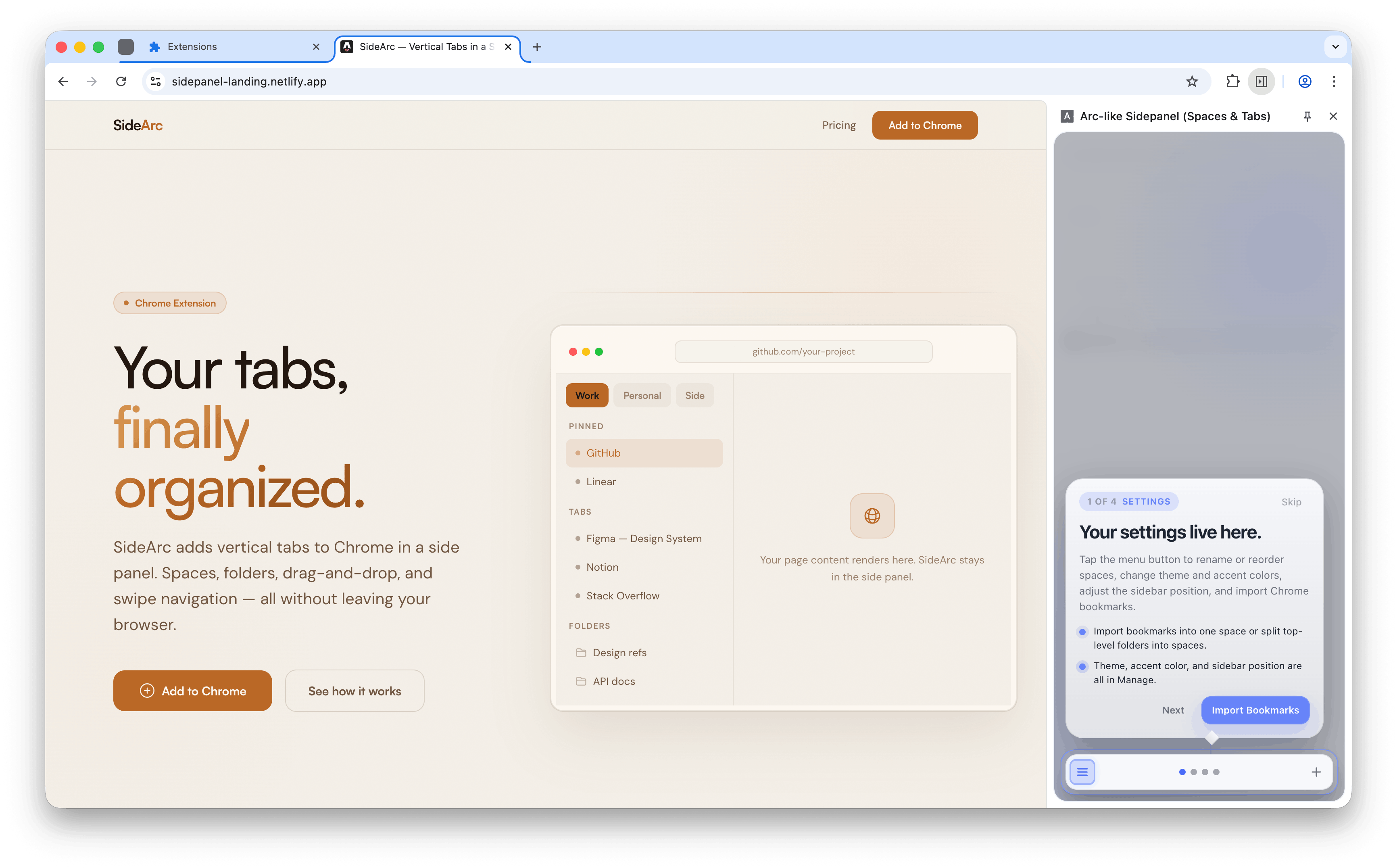
Tab groups and vertical tabs solve different problems. Groups cluster related tabs. Vertical tabs make them readable. SideArc gives you both — vertical tabs in a side panel with spaces that can sync to Chrome tab groups.
Groups vs layout
Groups cluster tabs. Vertical layout makes them readable. Use both.
What tab groups do well
Tab groups cluster related tabs with a color label in Chrome's top strip. Good for temporary projects. The limit: they still live in the horizontal strip, so titles get truncated and groups compete for the same narrow space.
What vertical tabs do well
Vertical tabs show each tab with its full title in a side panel. Scanning 30 tabs vertically is fast. Scanning 30 tabs horizontally is impossible — they're just favicons at that point.
How SideArc combines both
- Spaces act like enhanced tab groups — each space is a separate context with its own tabs, pins, and folders
- Chrome tab group sync — spaces can mirror Chrome's native tab groups, so existing groups appear as spaces in the side panel
- Vertical layout — all tabs show full titles, favicons, and close buttons in a scannable list
- Persistent structure — unlike tab groups that disappear when closed, spaces keep their folders and pins
Which should you use?
- Just tab groups — if you only need temporary clustering for a few tabs
- Just vertical tabs — if your main problem is readability and scanning
- SideArc (both) — if you juggle multiple ongoing projects and need spaces, pins, folders, and a readable vertical layout
Related: vertical tabs for Chrome, how to organize tabs in Chrome.