
Guide
Instagram without reels
Instagram doesn't let you turn off reels. The Reels tab is fixed, reels autoplay in the feed, and they show up as suggested content. Zen Social removes all of it.
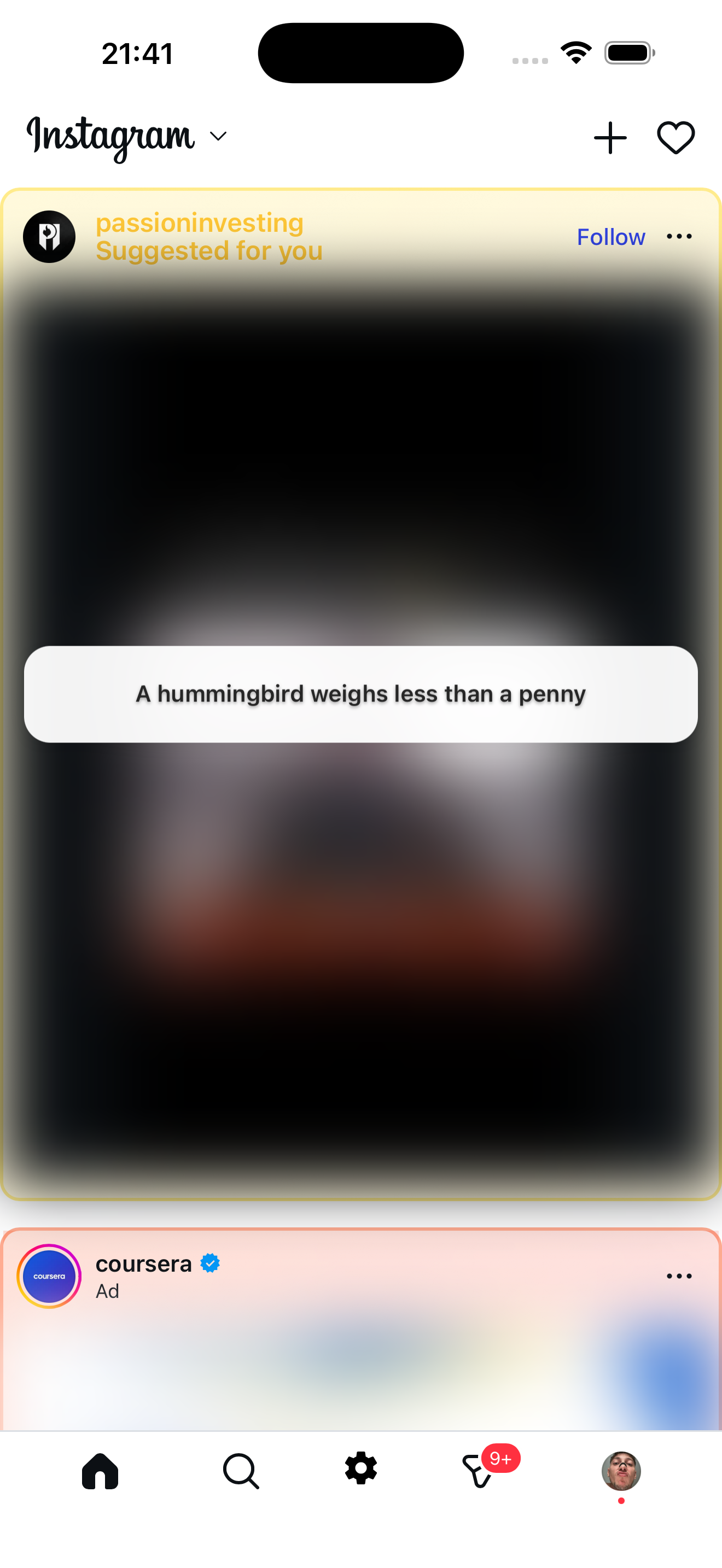
Reels removed
What the feed looks like without reels: clean, with facts replacing junk
What Instagram lets you do
Almost nothing. You can tap "Not interested" on individual reels, but there's no way to turn off the Reels tab, stop reels from appearing in your feed, or prevent autoplay. Instagram is built around short video now.
What Zen Social removes
- Reels tab — gone from the bottom navigation, replaced with the Zen Social icon.
- Inline reels — reel containers in the feed are removed before they render.
- Suggested reels — algorithmic reel suggestions are blocked.
- Video autoplay — stopped on the home feed (still works in stories).
On top of that, Zen Social also blurs suggested posts from accounts you don't follow and removes ads.
What stays
Messages, stories, posts from people you follow, your profile, posting — everything else works normally. You just don't see reels.
Not affiliated with Instagram or Meta.
Related: how to disable Instagram reels, best app to stop Instagram scrolling.