
Instagram messages only app
You want to check DMs, not scroll for 20 minutes. Meta killed the standalone Instagram messenger app, so every message check means opening the full feed. A feed filter fixes that by blocking the junk while keeping messages working.
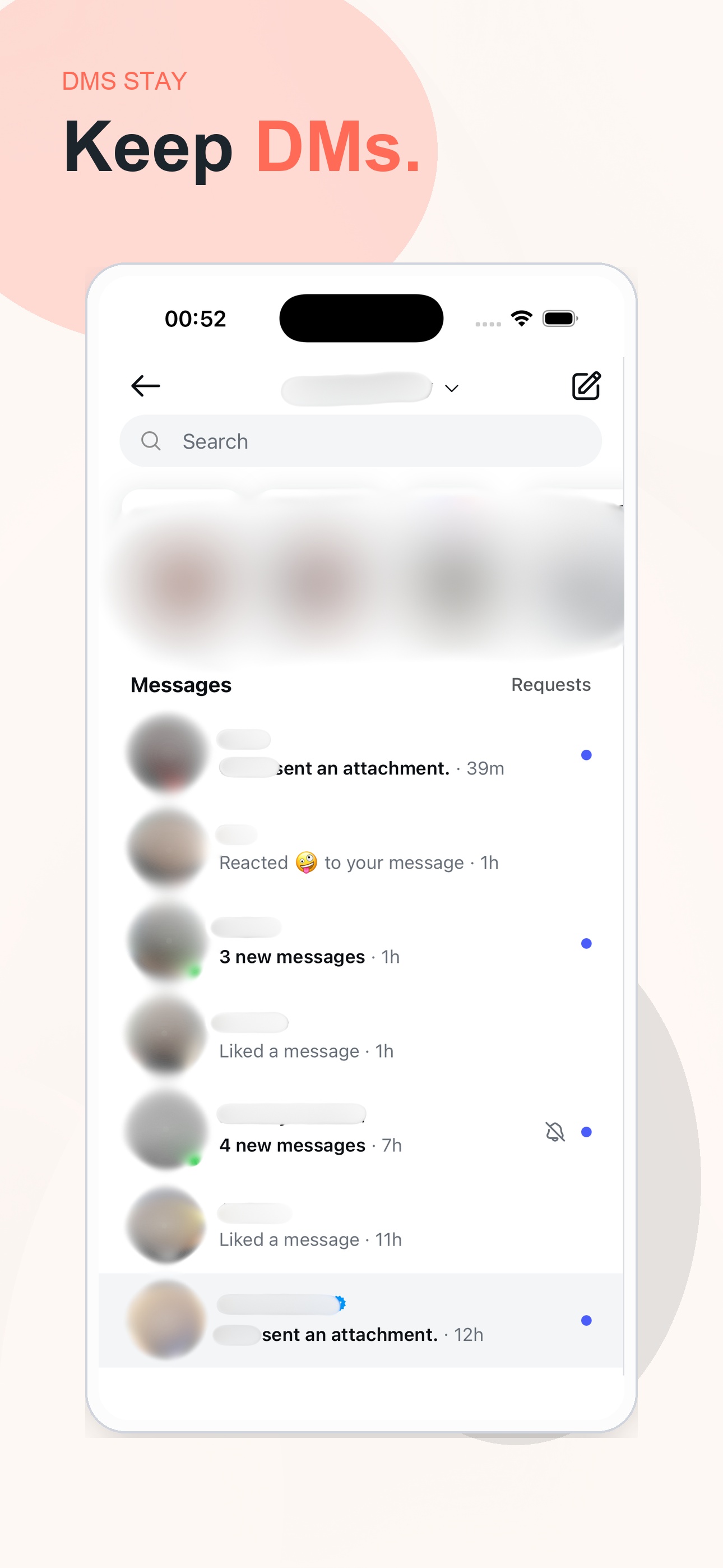
Use DMs without reels, suggested posts, and ads hijacking the session
The problem
Instagram doesn't separate messages from the feed. Every time you open the app to reply to someone, you see reels, suggested posts, and ads. A 30-second DM check becomes a 15-minute scroll session.
A practical way to reduce the feed loop
A feed-filter app opens Instagram inside a filtered browser. When you launch it:
- Reels blocked. They never load in the feed or the navigation bar.
- Suggested posts blurred. A fact, a quote, or a language phrase sits on top instead.
- Ads removed. Sponsored posts never appear.
- Messages work normally. DMs, group chats, and message requests all behave as usual.
- Stories and followed accounts. Everything from people you follow shows up as it always did.
FAQ
Can I use Instagram just for messages?+
Instagram does not offer a true messages-only mode, but Zen Social gets much closer by removing reels, blurring suggested posts, and filtering ads so DMs are easier to check without getting pulled into the feed.
Does a messages-only setup still let me view stories?+
Yes. Zen Social keeps messages, stories, and posts from people you follow. It removes the recommendation-heavy parts that usually hijack a quick DM check.
Why do people want an Instagram messages only app?+
Many people still need Instagram for communication, but not for entertainment. A messages-focused setup lets them keep contact with friends, clients, or communities without the scroll trap.
Will ads and suggested posts still appear while checking DMs?+
Zen Social filters ads and blurs suggested posts in the feed, which reduces how often a message check turns into extra browsing after you finish replying.