
Guide
Instagram messages only app
You want to check DMs, not scroll for 20 minutes. Meta killed the standalone Instagram messenger app, so every message check means opening the full feed. Zen Social fixes that by blocking the junk while keeping messages working.
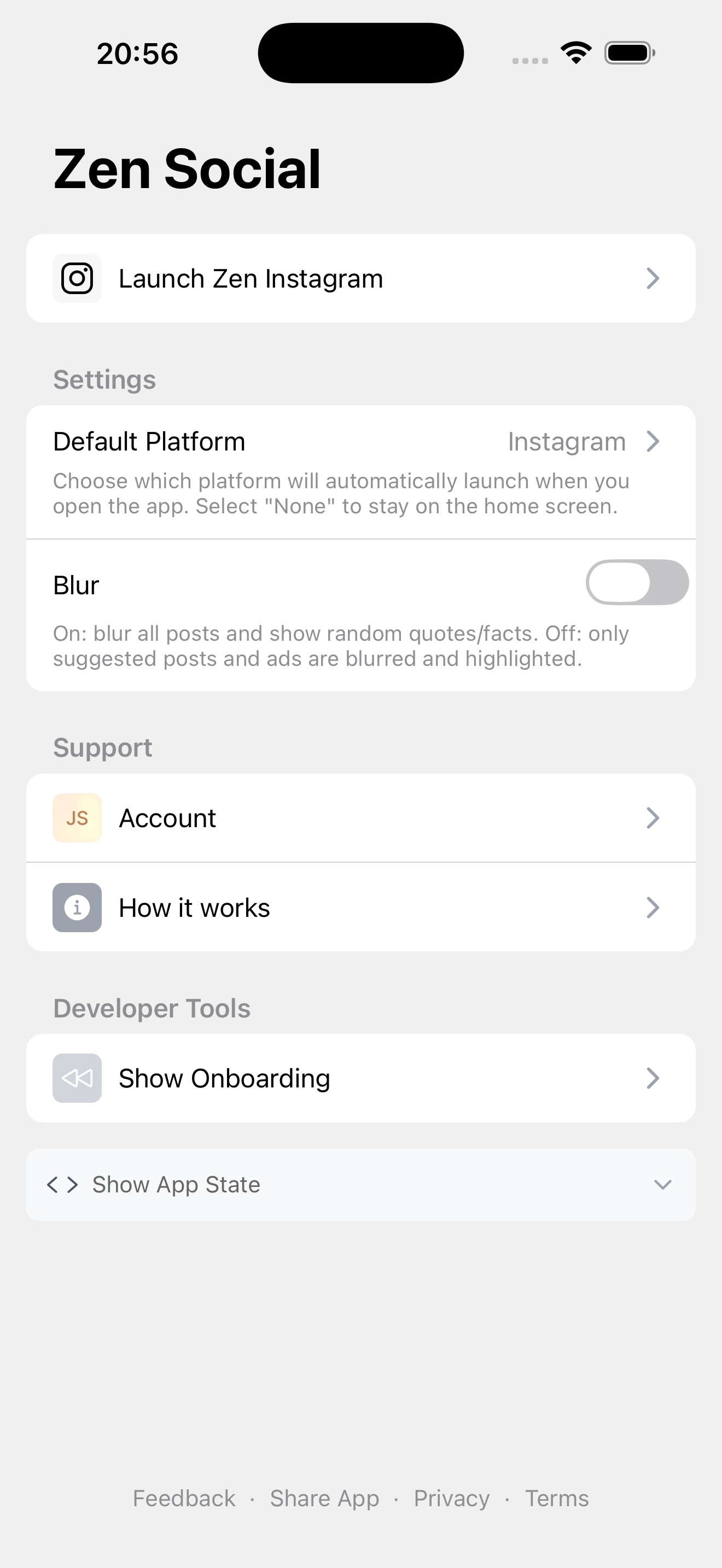
Settings
Open Instagram through Zen Social. Filters run automatically.
The problem
Instagram doesn't separate messages from the feed. Every time you open the app to reply to someone, you see reels, suggested posts, and ads. A 30-second DM check becomes a 15-minute scroll session.
What Zen Social does
Zen Social opens Instagram inside a filtered browser. When you launch it:
- Reels are blocked — they never load in the feed or navigation.
- Suggested posts are blurred — replaced with facts, quotes, or language phrases.
- Ads are removed — sponsored posts filtered out.
- Messages work normally — DMs, group chats, message requests all function as usual.
- Stories and followed accounts — everything from people you follow appears normally.
FAQ
Is this a separate messenger?
No. It's full Instagram with the distracting parts filtered out. You log into your real account.
Can I still post and browse stories?
Yes. Zen Social only removes reels, suggested posts, and ads.
Not affiliated with Instagram or Meta.
Related: how to hide suggested posts, how to disable Instagram reels.