
Guide
How to use Instagram intentionally
You open Instagram to reply to a message. Three minutes later you're watching a reel about someone's cat. The problem isn't self-control — it's that reels, suggested posts, and ads hijack your original intent the moment the feed loads.
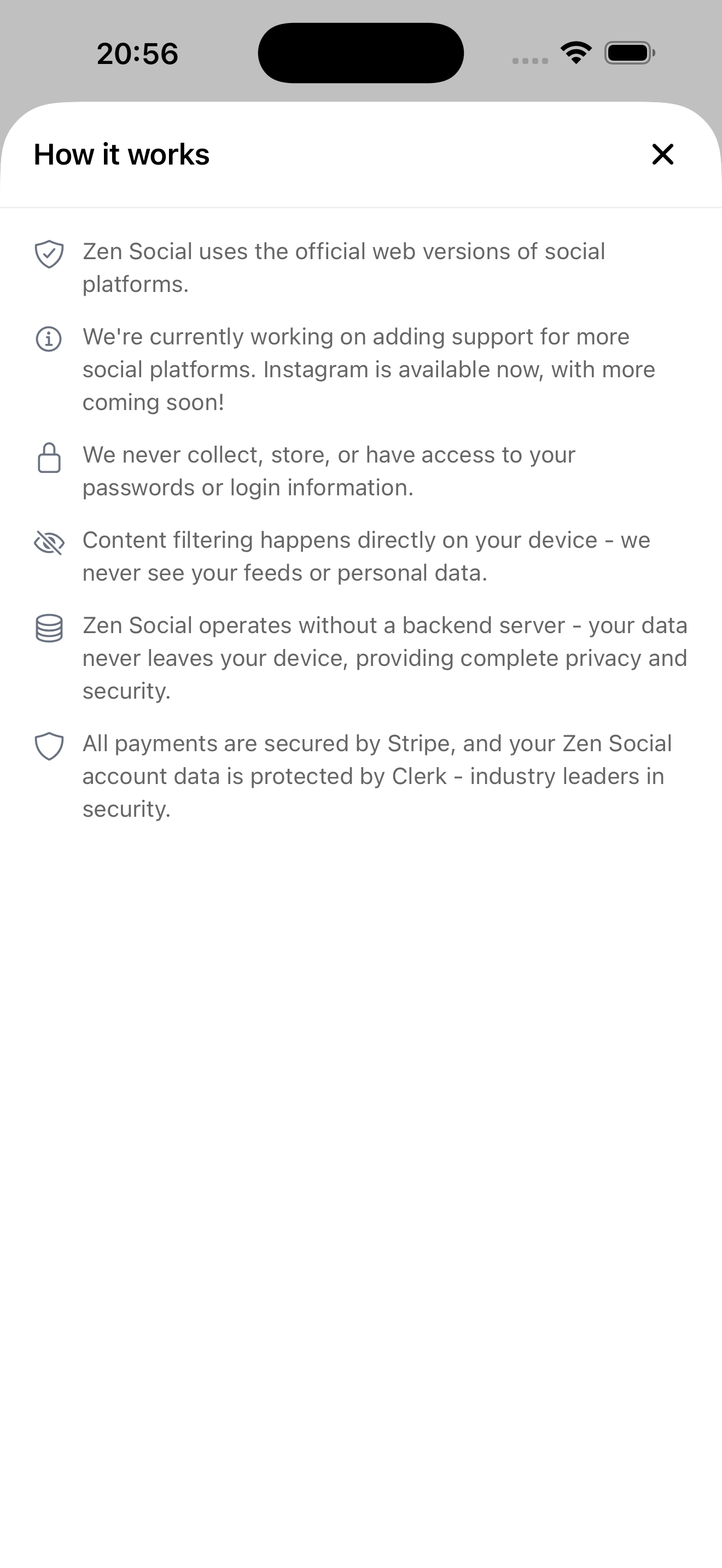
How it works
Zen Social explains what it blocks before you start
Why intention alone doesn't work
Instagram's feed is designed to replace your intent with its content. You open the app to check messages, but reels start autoplaying, suggested posts appear between followed content, and ads extend every session. Within seconds, you've forgotten why you opened the app.
How to make intent stick
Remove the content that competes with your original reason for opening Instagram:
- Block reels — no more autoplay short videos interrupting your purpose.
- Blur suggested posts — content from accounts you don't follow stops pulling you off track.
- Remove ads — sponsored posts no longer pad the session.
With Zen Social, the feed only shows posts from people you follow, your messages, and stories. You check what you came for and leave.
What replacement content does
Where suggested posts used to be, Zen Social can show fun facts, quotes, language phrases, or your own custom reminders. These are deliberately less engaging than algorithmic content — they don't create a new scroll loop.
Not affiliated with Instagram or Meta.
Related: Instagram messages only app, reduce Instagram screen time.