
Comparison
App to stop doomscrolling
Anti-doomscrolling apps fall into two categories: apps that block social media entirely, and apps that filter the feed so it's less addictive. The right choice depends on whether you still need Instagram for messages and specific accounts.
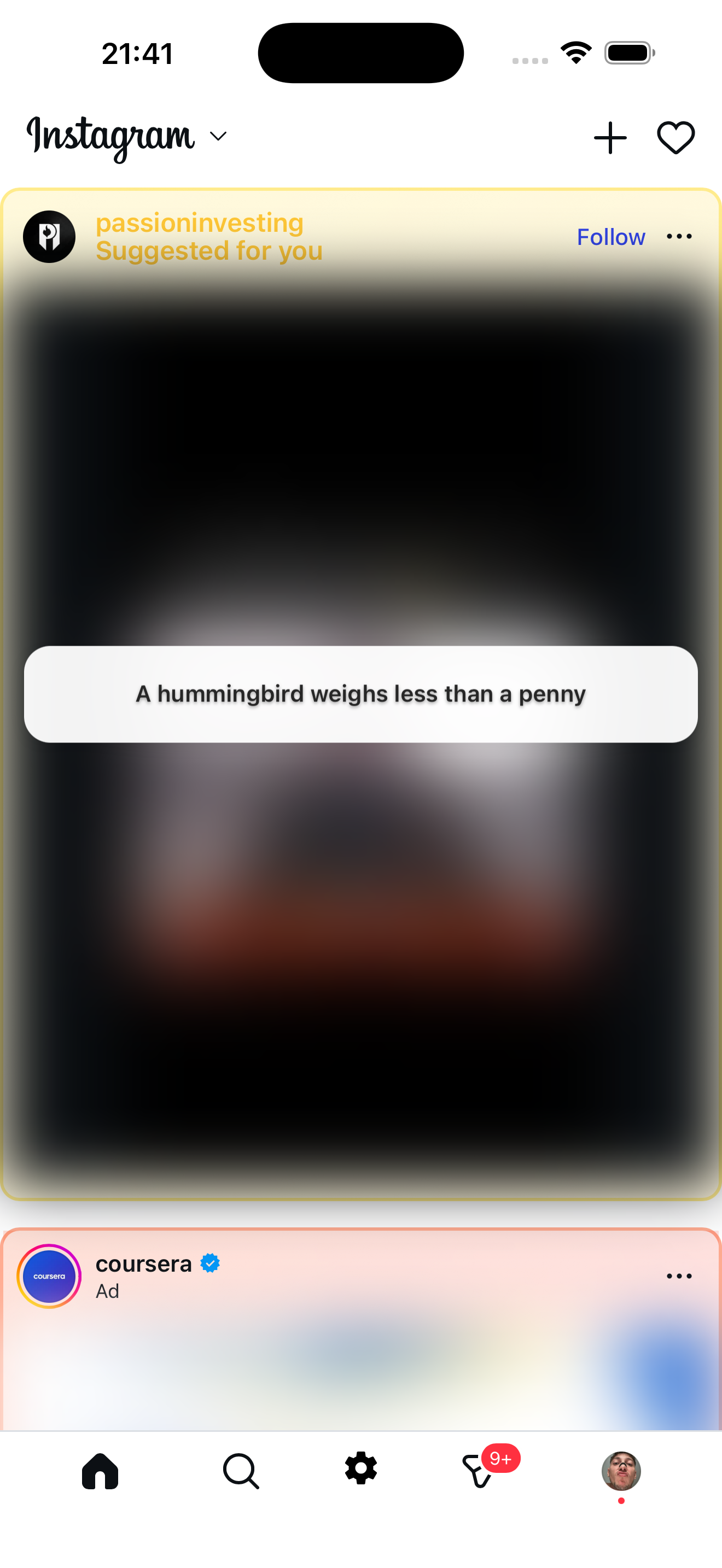
Feed filter approach
Zen Social keeps Instagram usable but removes what causes doomscrolling
Full blockers
Apps like One Sec, Cold Turkey, or iOS Screen Time block or delay access to Instagram. They work if you want zero access during certain hours. The downside: you also lose messages, stories, and any intentional use.
Feed filters (Zen Social)
Zen Social doesn't block Instagram — it cleans up the feed. It opens Instagram inside a filtered browser and removes the three things that cause doomscrolling:
- Reels blocked — the fastest doomscroll loop is gone.
- Suggested posts blurred — content from accounts you don't follow is hidden and replaced with fun facts, quotes, or language tips.
- Ads removed — no more sponsored posts extending sessions.
Messages, stories, and posts from followed accounts all work normally.
Which is better?
- Full blocker — if you want hard limits and don't need Instagram during blocked hours.
- Zen Social — if you use Instagram daily and want shorter, calmer sessions instead of total lockout.
Not affiliated with Instagram or Meta.
Related: how to stop doomscrolling, best app to stop Instagram scrolling.